> ## Documentation Index
> Fetch the complete documentation index at: https://doc.ekyc.daksam.ai/llms.txt
> Use this file to discover all available pages before exploring further.
# Introduction
> Welcome to the documentation for our eKYC product. Here, you will find comprehensive information on how to integrate and use our solution for efficient and secure eKYC verification.
 ## Setting up
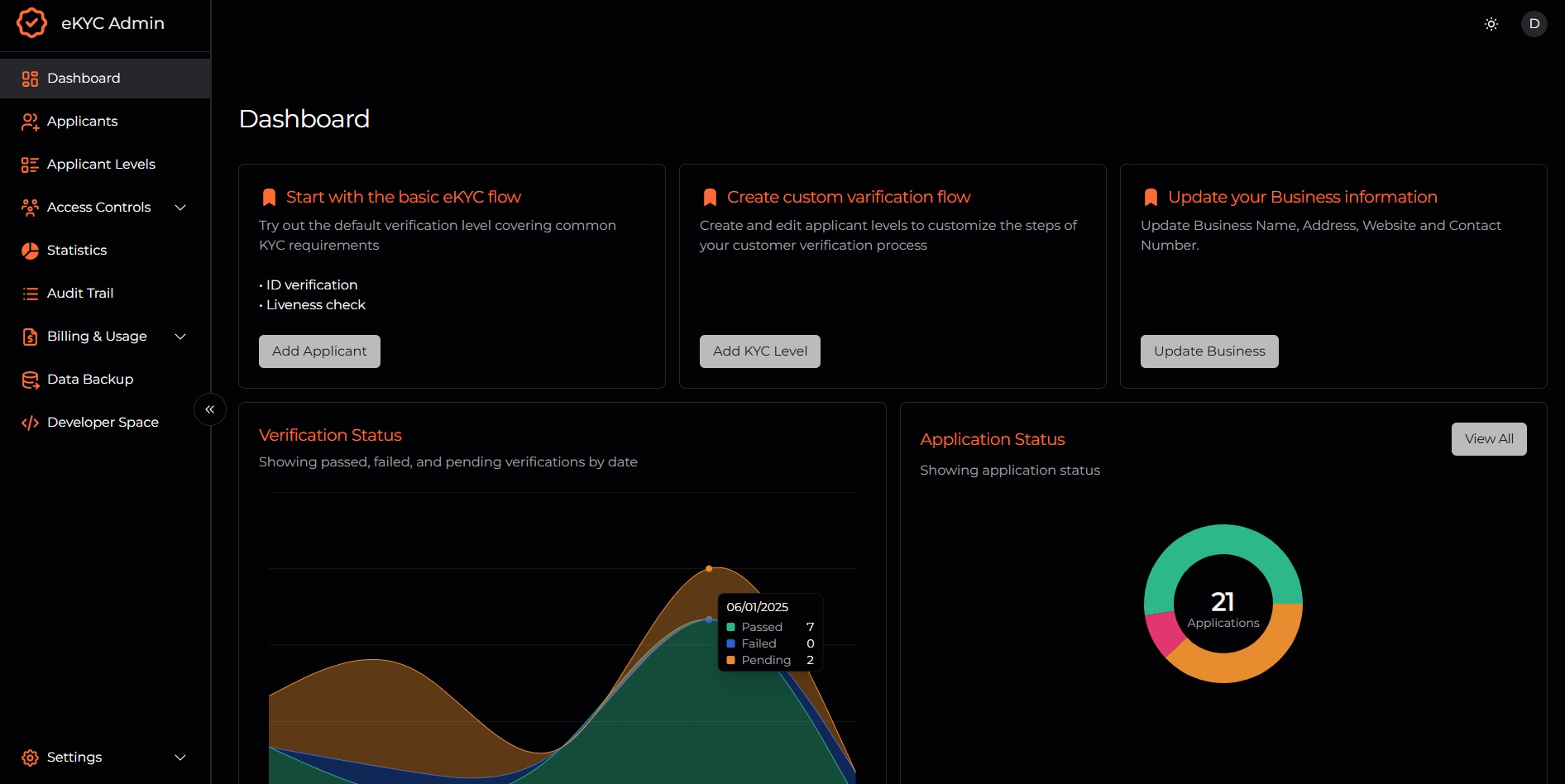
Before you can start integrating the eKYC API into your application, you'll need to obtain your API key. Follow these steps to get started:
1. Login to the Portal:
Once your account is activated, login to the eKYC portal at [https://demo.ekyc.daksam.ai/admin](https://demo.ekyc.daksam.ai/admin).
2. Access Developer Space:
In the portal, navigate to the Developer Space menu.
Alternatively, you can go directly to the Developer Space at [https://demo.ekyc.daksam.ai/admin/developers](https://demo.ekyc.daksam.ai/admin/developers).
3. Get Your API Key:
In the Developer Space, you'll find your API key.
Copy your API key and securely store it for use in your integration.
With your API key in hand, you're now ready to integrate the eKYC API into your application and start verifying your users with ease.
## Setting Web SDK
To integrate the Web SDK, add the following snippet to your application:
```html theme={null}
```
## Setting up
Before you can start integrating the eKYC API into your application, you'll need to obtain your API key. Follow these steps to get started:
1. Login to the Portal:
Once your account is activated, login to the eKYC portal at [https://demo.ekyc.daksam.ai/admin](https://demo.ekyc.daksam.ai/admin).
2. Access Developer Space:
In the portal, navigate to the Developer Space menu.
Alternatively, you can go directly to the Developer Space at [https://demo.ekyc.daksam.ai/admin/developers](https://demo.ekyc.daksam.ai/admin/developers).
3. Get Your API Key:
In the Developer Space, you'll find your API key.
Copy your API key and securely store it for use in your integration.
With your API key in hand, you're now ready to integrate the eKYC API into your application and start verifying your users with ease.
## Setting Web SDK
To integrate the Web SDK, add the following snippet to your application:
```html theme={null}
```