

Setting up
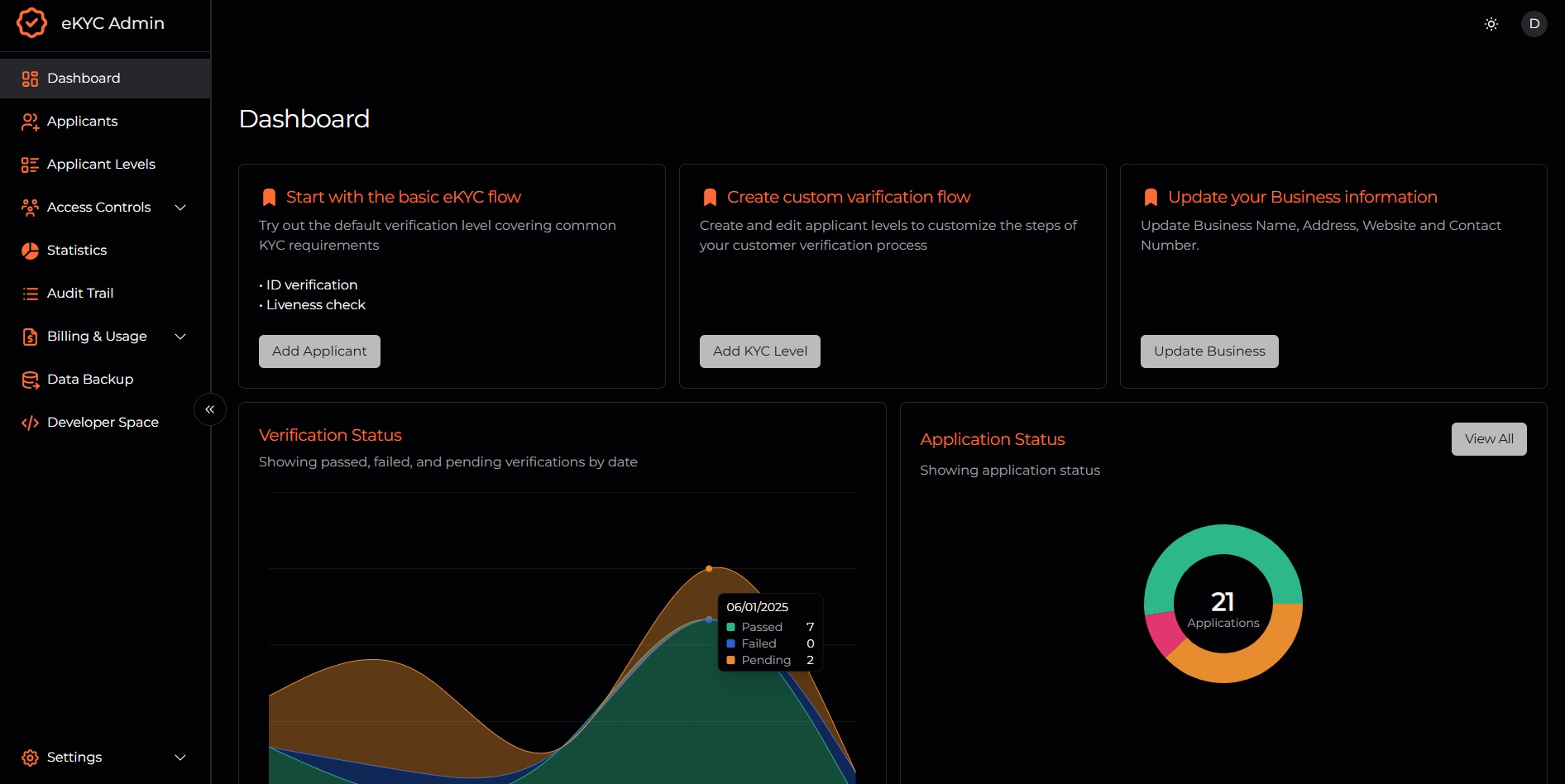
Before you can start integrating the eKYC API into your application, you’ll need to obtain your API key. Follow these steps to get started:- Login to the Portal: Once your account is activated, login to the eKYC portal at https://demo.ekyc.daksam.ai/admin.
- Access Developer Space: In the portal, navigate to the Developer Space menu. Alternatively, you can go directly to the Developer Space at https://demo.ekyc.daksam.ai/admin/developers.
- Get Your API Key: In the Developer Space, you’ll find your API key. Copy your API key and securely store it for use in your integration. With your API key in hand, you’re now ready to integrate the eKYC API into your application and start verifying your users with ease.